01Chat
Compare with evidence
Shared criteria. Explicit unknowns.
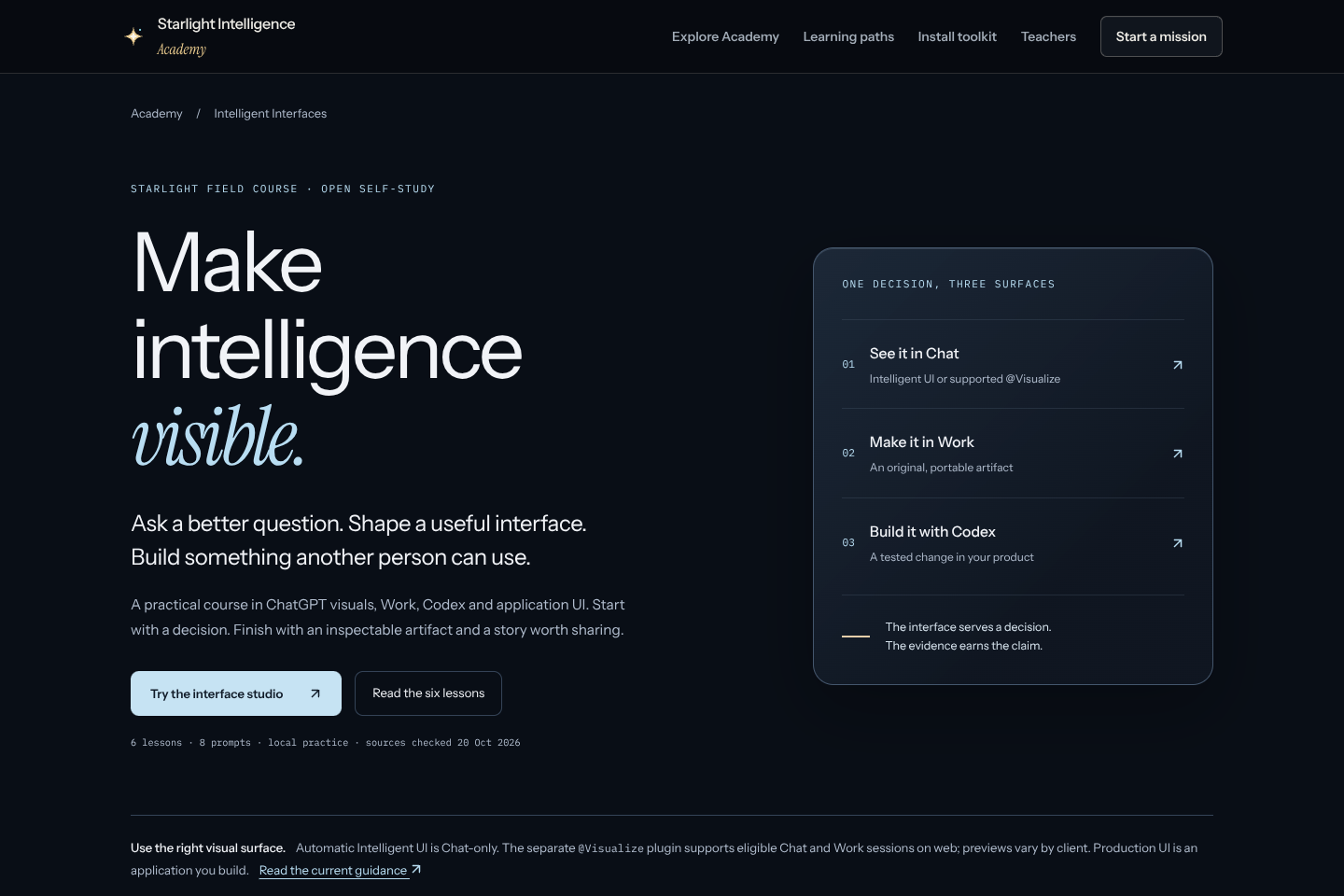
Starlight field course · Open self-study
Ask a better question. Shape a useful interface.
Build something another person can use.
A practical course in ChatGPT visuals, Work, Codex and application UI. Start with a decision. Finish with an inspectable artifact and a story worth sharing.
6 lessons · 8 prompts · local practice · sources checked 20 Oct 2026
One decision, three surfaces
Intelligent UI or supported @Visualize
An original, portable artifact
A tested change in your product
01 / The working example
Choose what you need to understand. Inspect an authored example, then take the prompt into your own AI.
Illustrative workflow · synthetic inputs
| Approach | Useful when | First artifact |
|---|---|---|
| Chat | You need to examine a question | A source-linked comparison |
| Work | You need a finished deliverable | An exportable research brief |
| Codex + Vercel | You need a reusable product | A tested repository change |
Subject: A weekly research brief

Compare my alternatives on the same decision-relevant criteria. Separate facts, assumptions and unknowns; attach sources to factual claims. Render a compact comparison and let me change one useful input when supported. Give a readable fallback and the next reversible test.

Acceptance: the visual helps a real decision; sources and assumptions remain visible; keyboard and narrow-screen use work; the original artifact is portable. Request the supported capability explicitly and record unavailable features honestly.
The prompt runs in your chosen host. This page does not send it, call an API or save your draft automatically.
02 / A reusable vocabulary
Eight starting points, each with a concrete artifact and a reason to use it.
Shared criteria. Explicit unknowns.
Ownership, dependencies, recovery.
Change an assumption. See the effect.
Predict, inspect, revise, transfer.
Editorial glass. Readable at 320px.
A real patch with release evidence.
Typed fixtures before live spend.
Five shots. One useful action.
03 / Learn through an artifact
Read the principle. Make a prediction. Build an example. Inspect it. Carry the method into a different task.
Turn a vague question into a visual you can use to make one decision.
Take away: A visual brief and a first comparisonMake an inspectable interactive artifact with real states and a portable original.
Take away: An HTML prototype and a review noteMove from an attractive prototype to a tested change in the owning repository.
Take away: A bounded patch, checks and previewUnderstand how typed model output becomes dependable product UI.
Take away: A component contract and a mocked integrationTurn an impressive output into a learning experience another person can repeat.
Take away: A worked example, critique and transfer attemptTurn one actual artifact into a useful demonstration and a searchable lesson.
Take away: A recording brief, original assets and publication draft04 / Proof becomes a story
One actual build becomes a film, a lesson, a prompt card and a useful reason to return.
The 60-second capture
Name the decision the artifact helps.
Show the brief and the source.
Capture the actual response.
Show what needed judgment.
Export the work. Invite a repeat.
Self-review only. Notes stay in this page until you export; reloading clears them.
Record a clean screen master with your available capture tool. Review captions, privacy and rights. The download includes a walkthrough outline, title drafts, accessible publication checklist and a campaign link. Nothing is published or tracked by this page.
05 / Study the makers
Selected official demonstrations. Their dates matter; current documentation governs the workflow you build today.
Study the sequence of brief, visual input, implementation and inspection. Earlier demonstration; use current docs for setup.
See skills, worktrees and automations in context. Historical launch; availability has changed since filming.
A historical concept demonstration of prompt-to-interface. Current APIs and installation instructions come from today's docs.
Keep the work connected
Use the existing Academy learning paths and Starlight toolkit. These links provide public curriculum and installation guidance; this course does not deploy a hosted teaching team.
Build captures / Keep the original
Actual synthetic browser captures from this build. Open the original frames for a recording board or inspect the linked verification report.
Evidence and currentness
Original Starlight teaching, informed by these primary references. Provider names identify documented technologies and source publishers. Access, beta status and product behavior can change; recheck before implementation.
Automatic answer composition in Chat; availability and state boundaries.
Choose a surface by the task; account and rollout access vary.
The separate @Visualize capability in supported Chat and Work on web; snapshots are not live dashboards.
Reusable instructions and supporting resources; installation and tool authority are separate.
Repository guidance before implementation.
Application integration; API billing and credentials are separate from a ChatGPT plan.
A distinct route for an application UI inside ChatGPT; not an export of Intelligent UI.
Map typed tool results into application-owned components.
Component reference. Current notice: moving to shadcn/ui, with deprecation announced for end of November 2026; recheck before adoption.
Durable execution option to evaluate; this course does not provision a workflow or replace Starlight's existing orchestration owner.
Isolated code execution option; verify lifecycle, network boundaries, entitlement and cost before a lab.
Provider access and observability; model availability and spend remain account-specific.
Computer-use workflow recording on supported macOS setups; distinct from filming a tutorial.

